

Randy Douglas
-
Posts
1 -
Joined
-
Last visited
Randy Douglas's Achievements

Newbie (1/14)
0
Reputation
-
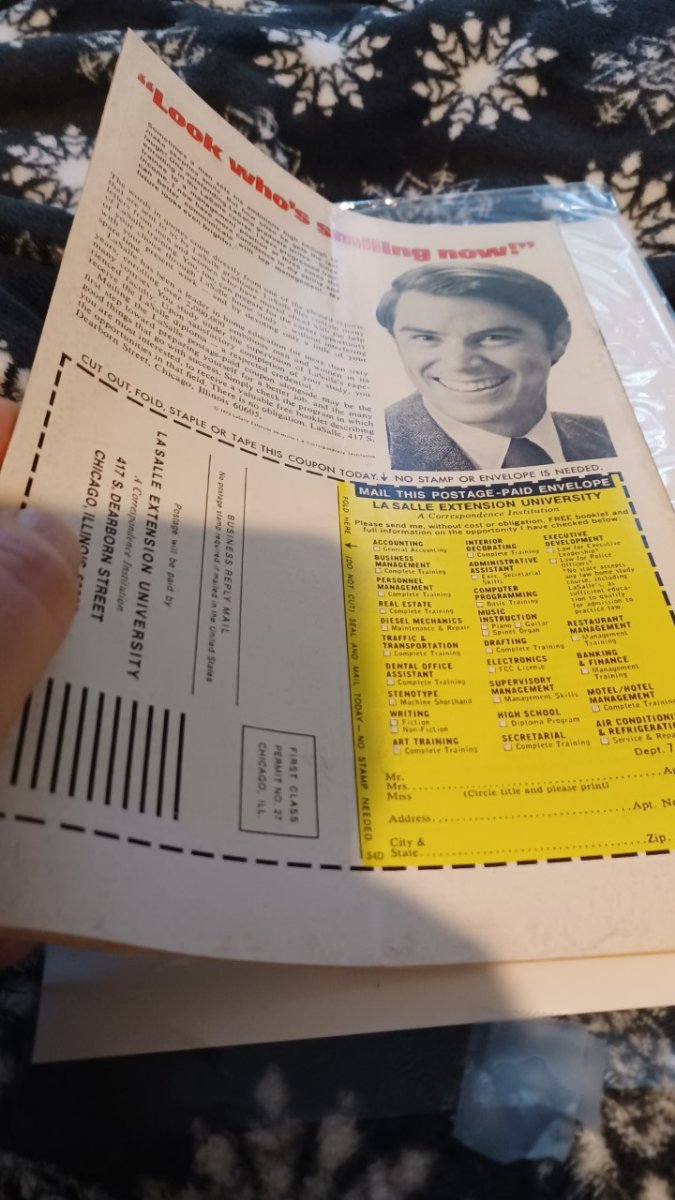
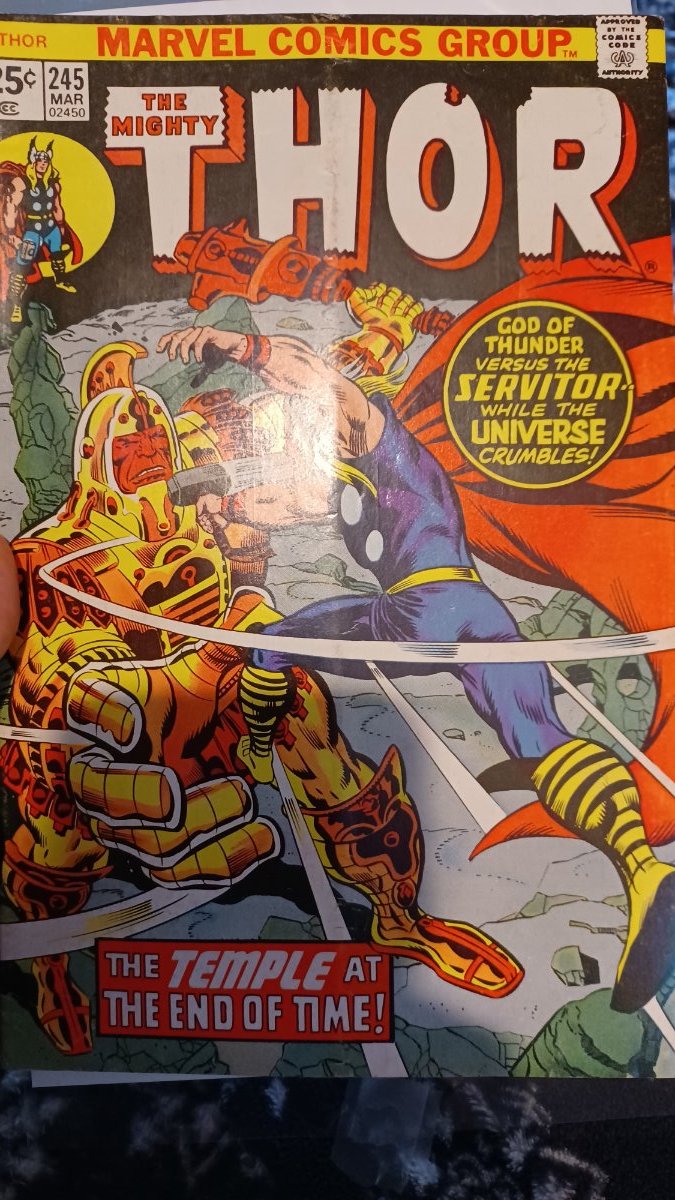
My problem with a recent transaction is that the Seller literally sent me a book that had been folded in half - length ways. The same book had blunted corners, dirt, foxing an stains - LISTED as NM - by Silverdollarcomics Many of the other books had spine tics and color breaks - YET listed ALL as NM Packaging was actually decent and didn't have any damage so books were clearly mailed this way! When I brought it up to the Seller he immediate cops an attitude. Offer to refund if I send them back. So Let's first start off with - I attached the photo of the Thor book that was NOWHERE NM So everyone can see for themselves. Secondly, I'm supposed to mail this back at my expense so the Seller can pull some Crap again? Not to mention I'm having to pay for their Dishonesty? Atomic Avenue refuses to step in or look at photos. So why would anyone want to continue using this site if this continues to be the experience. Fortunately, there are other Sellers with far better Integrity that I haven't given up yet. But the sadest part is the Seller replied to my feedback with outright lies - Saying I expected CGC quality - Look at the photo and see for yourself. And my feedback DIDN'T even affect his 4.8 Rating!! Something very sketchy about how that Rating is being calculated!

.jpg.054c9928ee09990a9a6c6f5dbeeb4c03.jpg)